Add Subtitles to Video
Video Editing · v1.0.0
- subtitles
- video editing
- caption burning
- SRT files
- media library
- no ratings yet
- New
- installs
- 0
- size
- 866 KB
- version
- v1.0.0
Screenshots
Description
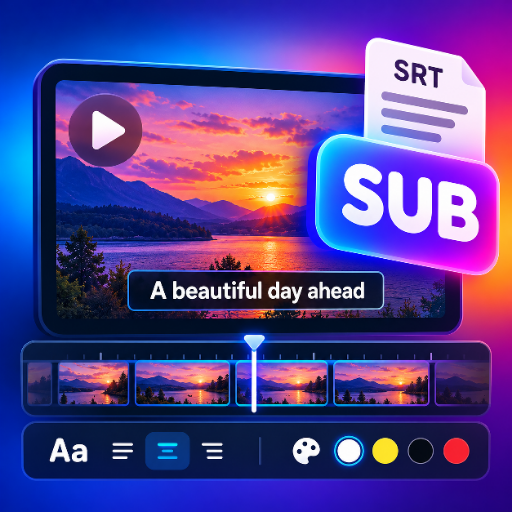
An app that lets users pick a video, load an SRT subtitle file, style and preview the captions in real time, then burn them permanently into the video and save the finished MP4 to the device.
Key features
- Browse the device video library with folder filtering and scan states
- Pick a video file directly and open a quick playback preview modal
- Load an SRT file and parse it into timestamped caption cues with validation
- Timeline with filmstrip thumbnails
- cue markers and a draggable playhead for scrubbing
- Caption style controls for position
- font size
- text color and background color
- Live caption preview drawn over the native video player and synced to playback
- Burn the selected subtitles into the video with streamed progress reporting
- Show the processed video result and save the exported MP4 to the device
Ratings & reviews
Be the first to rate
Tell others what you think
More in Video Editing

Overlay Video
Video Editing · v2.0.0
Place a picture-in-picture video over a background video with size, position, opacity and looping.

Convert Video to GIF
Video Editing · v1.1.0
Turn a video or a trimmed section into an animated GIF, entirely on-device.

Combine Split Screen
Video Editing · v2.0.0
Combine two to four videos side by side, stacked or in a 2x2 grid.