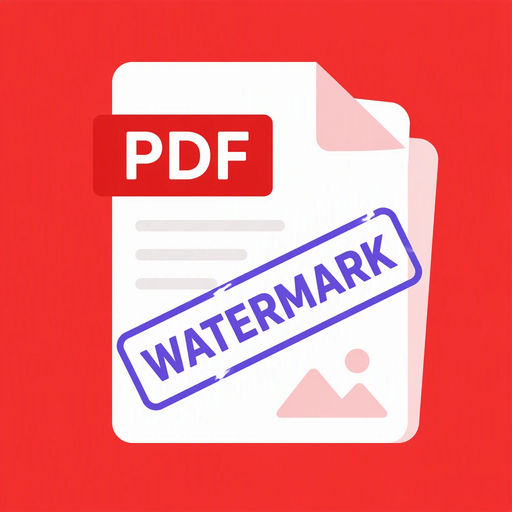
Stamp a text or image watermark on every PDF page without turning pages into images.
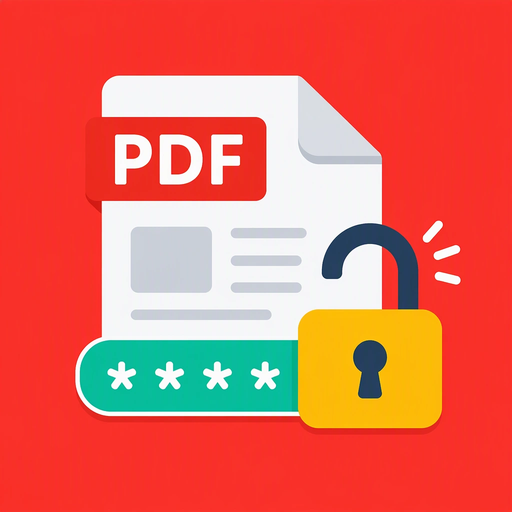
Enter the password to create a new PDF without protection, with a preview after unlocking.
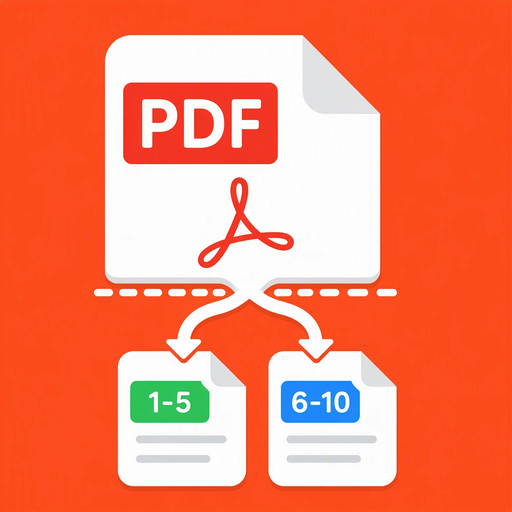
Split one PDF into several files by page range and preview each result.
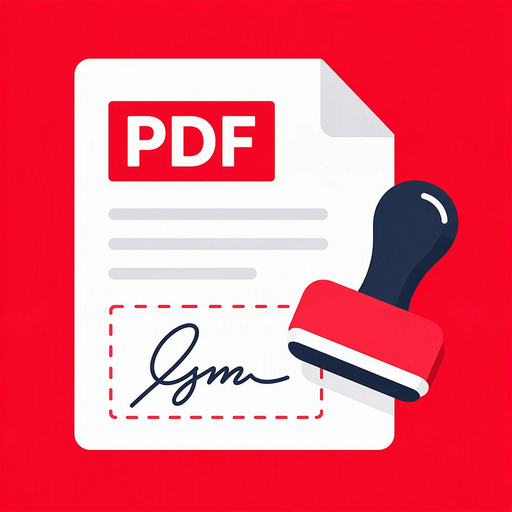
Stamp a signature image at an exact position and size on a PDF page.
Rotate selected PDF pages by 90, 180 or 270 degrees and preview the result.
Change the page order of a PDF using a new page list and create a new PDF.
Preview a source PDF, then create a new password-protected copy.
View a PDF with paging, pan and pinch-zoom using native tile rendering.
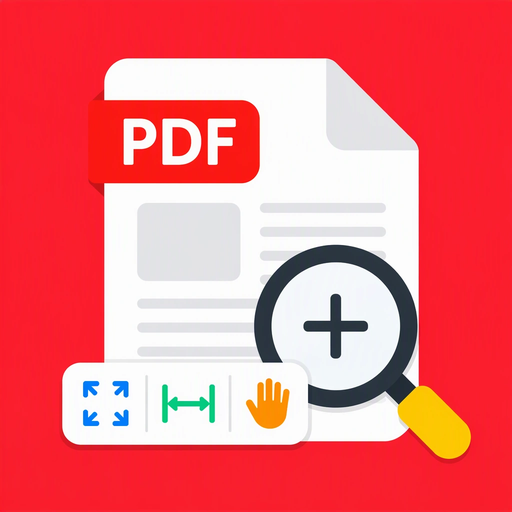
Import a PDF and view it with zoom, pan, fit-page and fit-width modes.
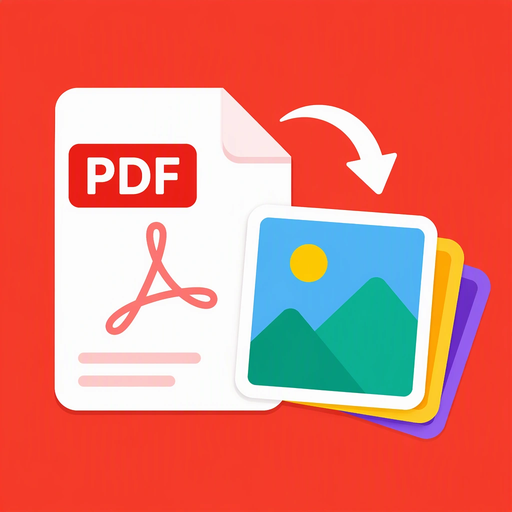
Turn each PDF page into a PNG image at your chosen resolution.
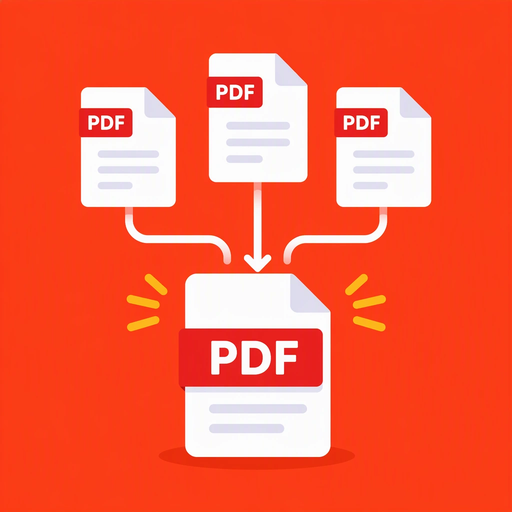
Combine multiple PDF files into one in the order you arrange.
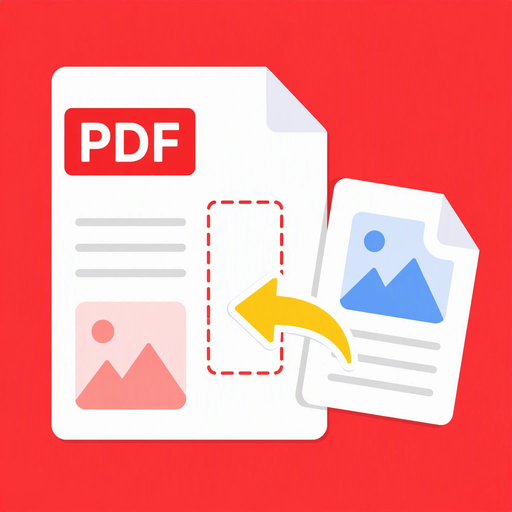
Insert an image or all pages of another PDF at any position in the original PDF.
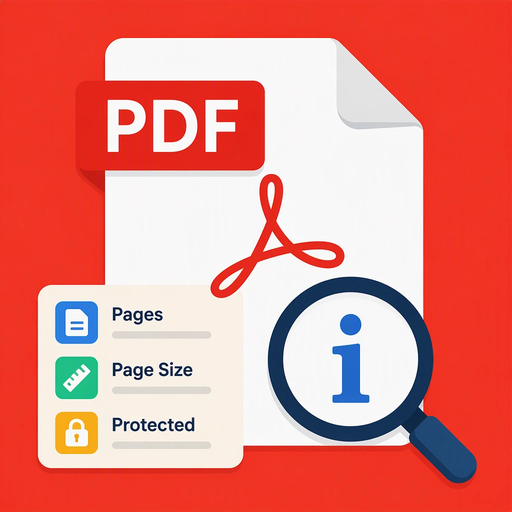
See page count, page sizes and protection status of a PDF file.
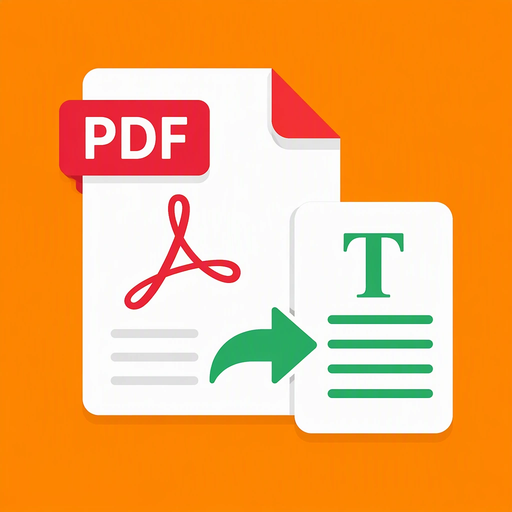
Extract real text page by page from a PDF text layer without OCR or changing the file.

Scan documents with automatic edge detection, multi-page capture, filters and PDF or image export.
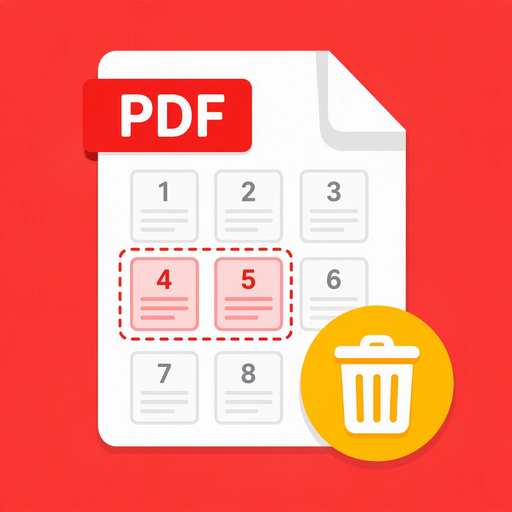
Remove selected pages from a PDF using page ranges and save a new PDF.
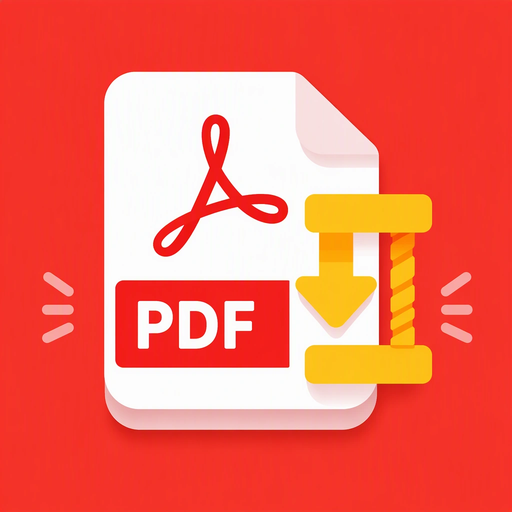
Reduce PDF size by optimizing streams and embedded images without rasterizing pages.
Turn a set of photos into a single PDF with one photo on every page. Pick images from the device, reorder or replace pages, then create, save, share, or open the finished PDF.