
Enlarge photos 4x with ESRGAN, downloading the model on first use and caching it locally.

Remove EXIF, GPS location and device info from photos before sharing.

Automatically detect, crop and dewarp a photographed document into a clean flat scan.

Rotate a photo left, right or by a custom angle.

Quickly change photo dimensions while keeping the right proportions.
Separate a person or portrait from the background and create a transparent PNG on-device.

Drag and drop stickers, logos or frames onto a background photo with custom size and opacity.

Recognize and copy Vietnamese or English text from photos with on-device OCR.
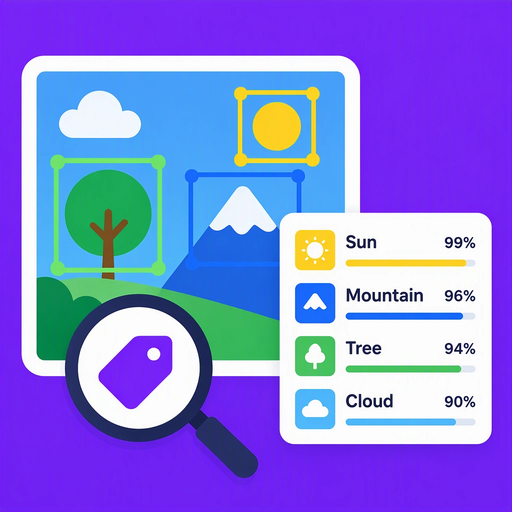
Recognize objects, topics and concepts in a photo with confidence scores.
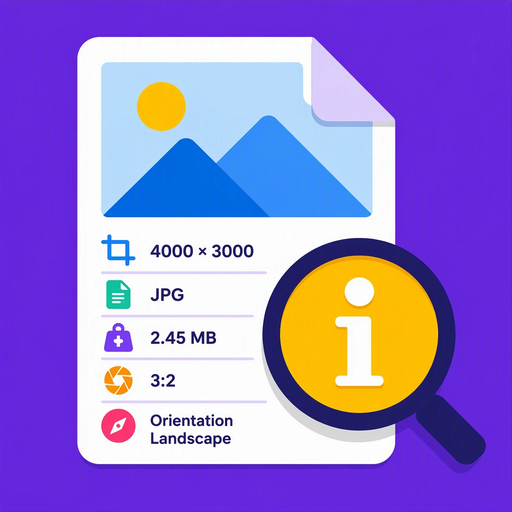
See size, format, file size, ratio and EXIF orientation without editing the photo.

Flip a photo horizontally, vertically or both at once.
Give each photo its own look with color filters, creative effects and an intensity slider.
Detect 17 body keypoints with MoveNet, draw a skeleton and rate pose clarity.
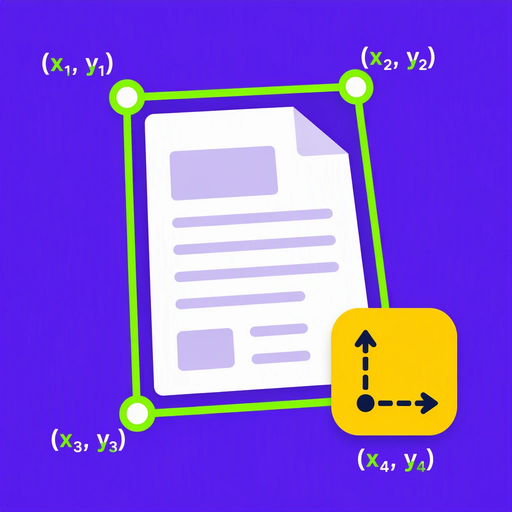
Detect the border of a document in a photo and show its geometry and coordinates.

Crop a photo with a free selection and save the result.
Quickly convert photos between JPEG, PNG and WebP.
Reduce photo file size with adjustable JPEG or WebP quality.
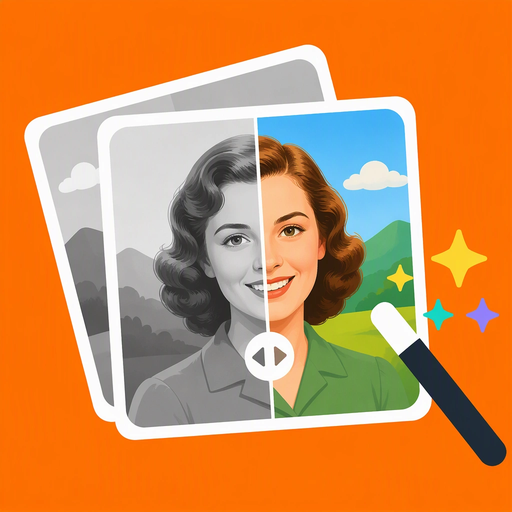
Automatically colorize black and white or old photos with an on-device DDColor AI model.
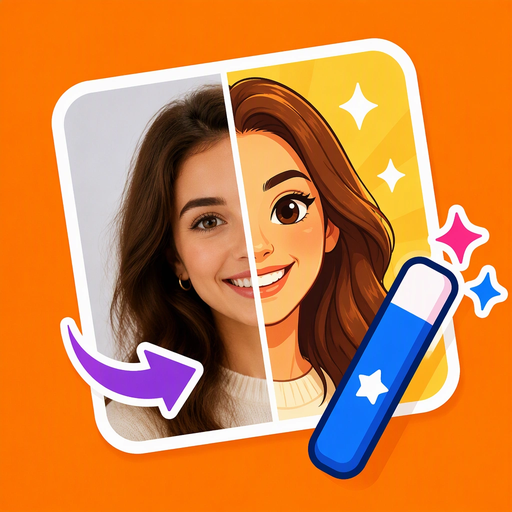
Turn real photos into cartoon or anime style pictures with an on-device AI model.

Hide faces, license plates or private details with a customizable blur area.

Automatically detect and blur every face in a photo to protect privacy.
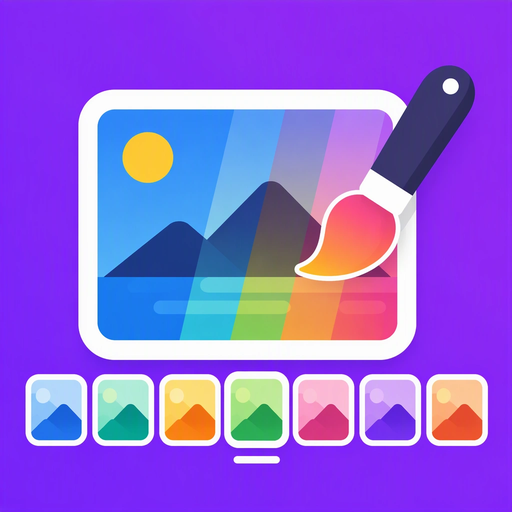
Apply seven ready-made color filters to a photo with a live preview.

A photo watermarking tool that stamps text or a logo onto a single photo or a whole batch, with repeatable layout patterns, positioning and live preview. It keeps the originals and saves or shares the new watermarked copies.
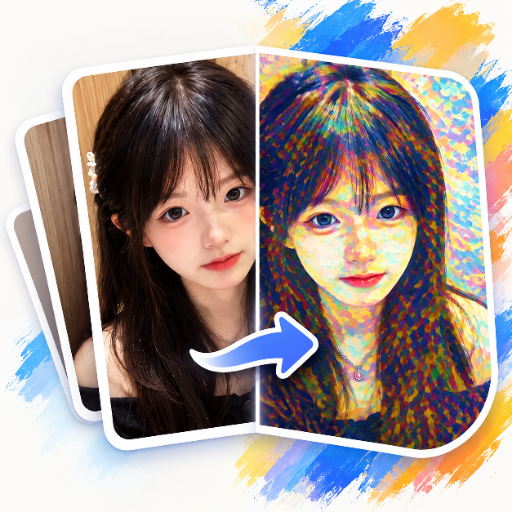
Turns your photos into paintings by repainting them in a chosen art style, all done on your phone. Pick a photo, choose a preset painting or your own style image, fine-tune the strength, then save or share the result.