
Automatically detect and remove excess silence from the start and end of a track.

Choose the section to keep and cut it into a new audio file.
Turn text into an audio file with the Android text-to-speech engine and an optional installed voice.
Split one audio file into ordered segments at millisecond markers.
Recognize speech from the microphone or a selected audio file with Android SpeechRecognizer.
Play an audio file from end to beginning and save a new result.
Preview an audio file, reduce steady background noise, listen to the result and save a new file.

Choose a start and end on one timeline, preview exactly that clip and stop instantly.

Automatically balance overall loudness to a steady listening level and save a new file.
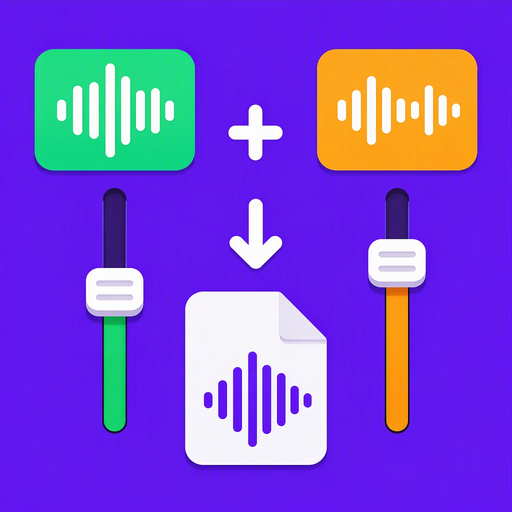
Blend two audio tracks with separate volume controls into one new file.
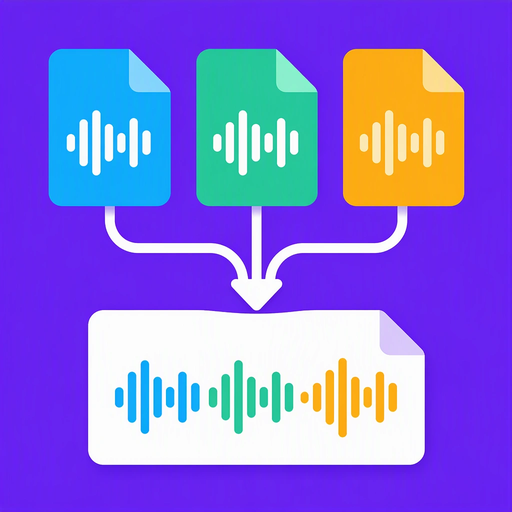
Join multiple audio files in the exact order you choose.

Repeat an audio file a chosen number of times or until a target duration is reached.

Preview an audio file and estimate its tempo in beats per minute.
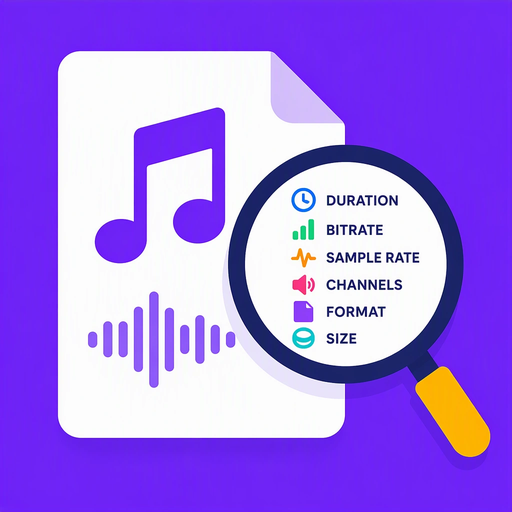
See duration, bitrate, sample rate, channels, format and size of an audio file.

Add independent fade-in and fade-out durations to an audio file.

Trim a precise section of an audio file and add it to the system ringtone collection.
Convert an audio file to AAC, M4A or WAV without changing the original.
Convert audio between mono and stereo or extract the left or right channel.
Reduce an audio file's size by encoding it to AAC/M4A at a lower bitrate.
Make an audio file quieter or louder from 0% to 200% and save a new file.
Change audio playback speed while the pitch follows naturally.

Shift audio pitch by semitones while keeping the original playback duration.
Create a clear waveform image from an audio file without changing the original.
Transform a voice recording with chipmunk, deep and robot presets of adjustable strength.