
Place a picture-in-picture video over a background video with size, position, opacity and looping.

Turn a video or a trimmed section into an animated GIF, entirely on-device.

Combine two to four videos side by side, stacked or in a 2x2 grid.

Speed up or slow down a video with live preview and optional pitch preservation.

Rotate a video by 90, 180, 270 degrees or a custom angle without losing quality.

Play any video backwards for a fun rewind effect.

Shrink video resolution to 1080p, 720p, 540p, 480p or 360p keeping the aspect ratio.

Completely replace a video's audio track with a new audio file.

Remove the audio track completely while keeping the picture quality unchanged.

Join several video clips into one continuous video in your chosen order.

Repeat a video a set number of times or to a target duration.
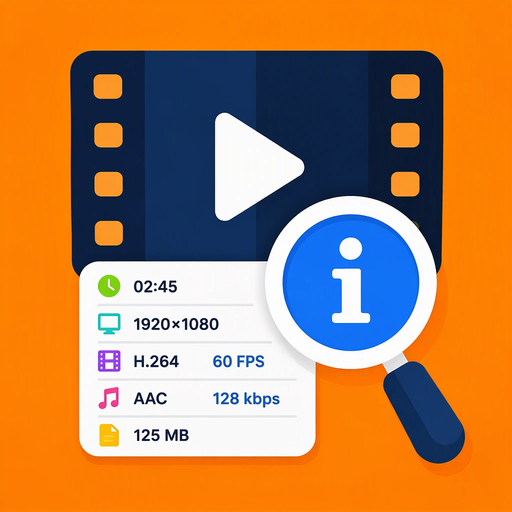
See duration, resolution, codec, fps, size and audio details without creating a new file.

Hold any moment by pausing a frame mid-video for a dramatic effect.

Flip a video horizontally as a mirror or vertically upside down.
Add fade-in and fade-out effects to video and audio with a live simulation.

Extract a single frame from a video at the moment you choose and save it as an image.

Extract the audio from a video into a high quality M4A or MP4 file without re-encoding.

Create a smooth MP4 slideshow from photos with custom order, duration and music.

Shrink video files significantly with high, balanced or sharp compression modes.

Remove a green or blue screen and replace it with a solid color or image on the GPU.

Raise or lower a video's audio volume while keeping the video track intact.

Convert a video to 9:16, 16:9 or 1:1 for TikTok, YouTube and Instagram.

A simple video editing tool for trimming local videos. It lets users browse their media library or pick a file, adjust the start and end points on a timeline, preview the selected range, and save the trimmed MP4 to their device.

A mini-app that applies cinematic color filters to videos picked from the device library or the system file picker. Users preview filters live on the video, compare against the original, add 2.35:1 cinema bars, scrub the filmstrip timeline, then render and save the filtered MP4.