A mini-app that removes the password from a locked PDF so you can read and share it freely. Pick a protected PDF, enter its password, then preview and save the unlocked copy to your device.
A Fill & Sign style tool that places a signature image at an exact page, position, and size on a PDF. It reads PDF page dimensions, validates placement, and lets users preview and save the signed PDF.
A document utility that lets you pick a PDF, check its page count, type a new comma-separated page order, and create, preview and save a reordered PDF. It validates the order (full page list, no duplicates, numbers starting at 1) and warns when the PDF is password protected.
An app that combines several PDF files into one document in a custom order. Users add PDFs from their device, arrange them left to right, merge them, and save the result back to the device.
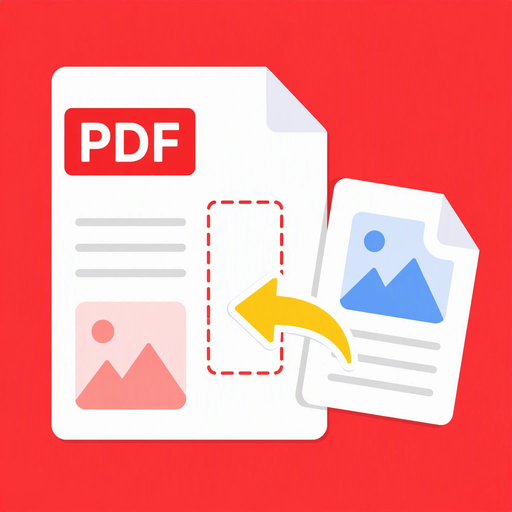
A document utility for inserting an image or all pages from another PDF into a selected source PDF at a specific position. It supports previews, result saving, and a bilingual English/Vietnamese interface.
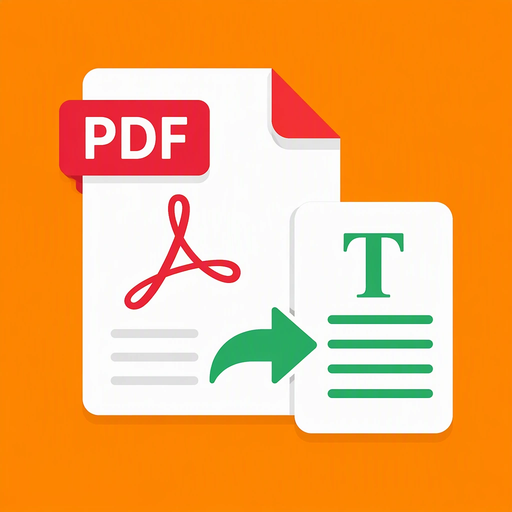
A utility app that extracts selectable text from PDF documents page by page without OCR or modifying the source file. Users can pick a PDF, preview it, extract text, browse pages, and copy text from individual pages.
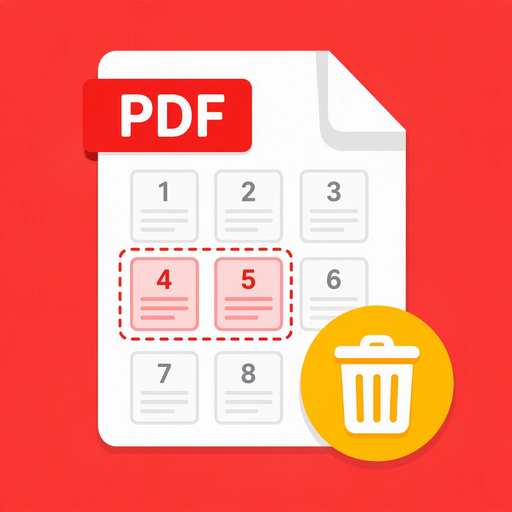
A utility for removing selected pages from a PDF document. Users pick a PDF, enter pages or ranges to delete, preview the source and result, and save the new PDF to their device.
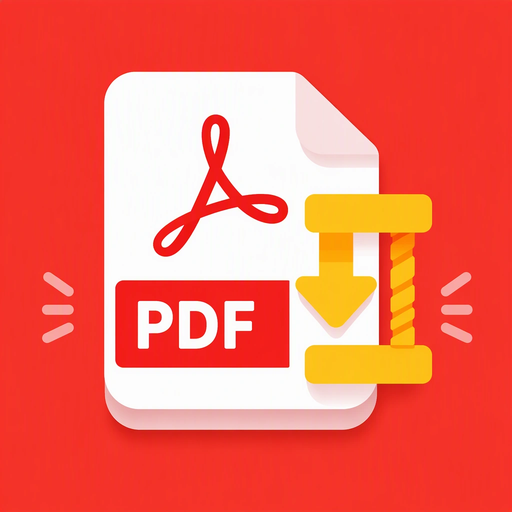
A lightweight utility that reduces PDF file size directly, without converting every page to images. Pick a PDF, choose a Light, Balanced, or Strong compression level, compare original and compressed sizes, preview the result, and save it back to your device.